
Genjutsu Tutorials
Genjutsu tutorials: how motion transfer, swaps and restyles work, what to upload, prompt ideas and a look at the models and prices behind each effect.
Newest tutorials
- Start with this tutorialHow to Make a Genjutsu Motion Transfer Video (Step by Step)A practical Genjutsu motion transfer tutorial: pick a clip and a character photo, choose Kling 3.0 Motion Control or the Saver model, check the price per second and fix the most common errors.Open the tutorial
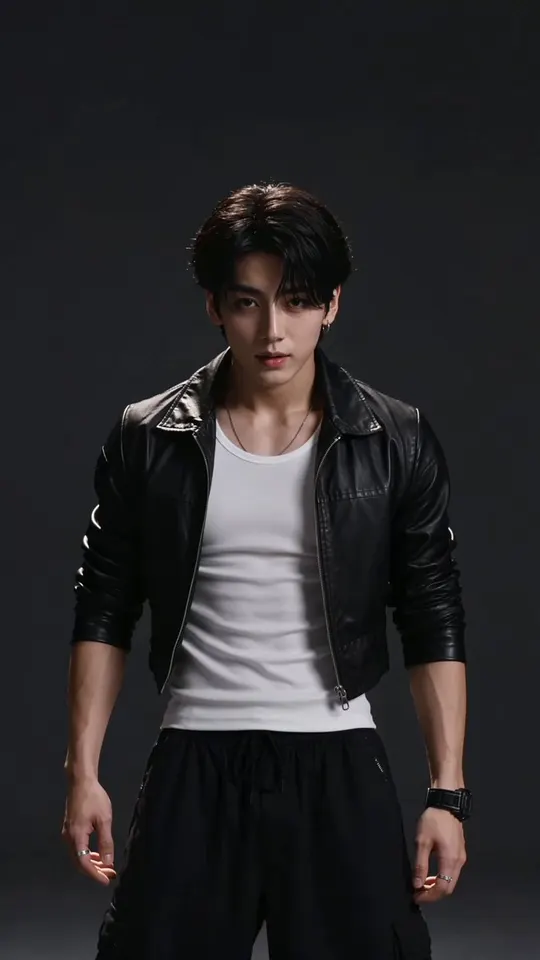
- Genjutsu Effects Explained: Swap, Restyle and MotionWhat every Genjutsu AI effect does, which model runs it, what you upload, how long the clip can be, what it costs per second and what happens to the sound.Open the tutorial
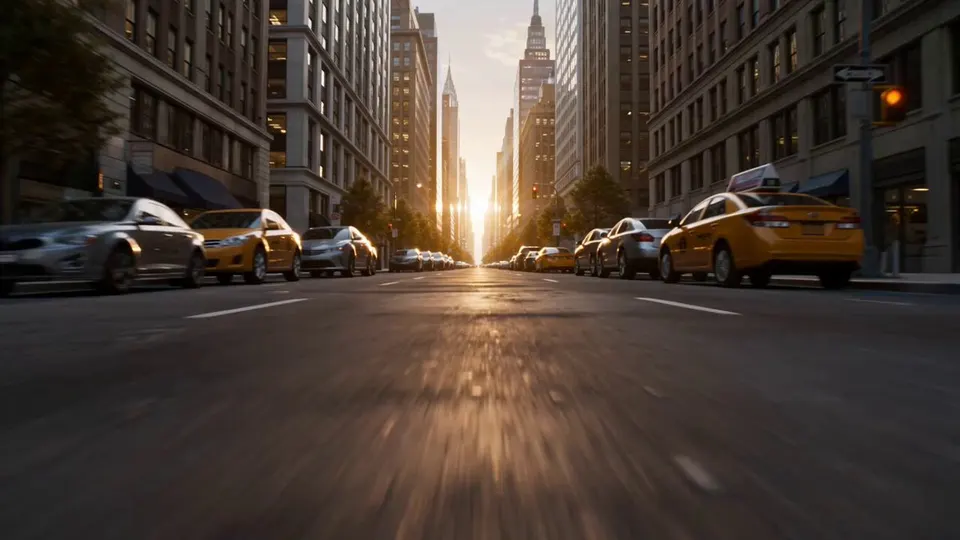
- Genjutsu Prompts: 30 Ideas for Restyles, Locations and Time ShiftsThirty original Genjutsu prompts you can paste into the studio: restyles, location swaps, time-of-day and weather shifts and motion notes, each with the effect it suits.Open the tutorial
Which tutorial to read first
Start with the motion transfer guide. It walks through one 8-second render on Kling 3.0 Motion Control: the clip, the character photo, the credits (296 at 720p) and the common errors that waste them.
Read the effects explainer when you are choosing between a swap and a restyle, or between the full model and the Saver. Keep the prompts list open while you work; each idea is a note you can paste into the studio.
Each tutorial names the model and the credit cost next to every example. The prompt ideas are grouped by effect, so you can copy the one that matches the card you picked.
Try it in the Genjutsu studio
Pick the effect from this tutorial, add your clip and see the credits before you render. New accounts start with free credits for a first still.