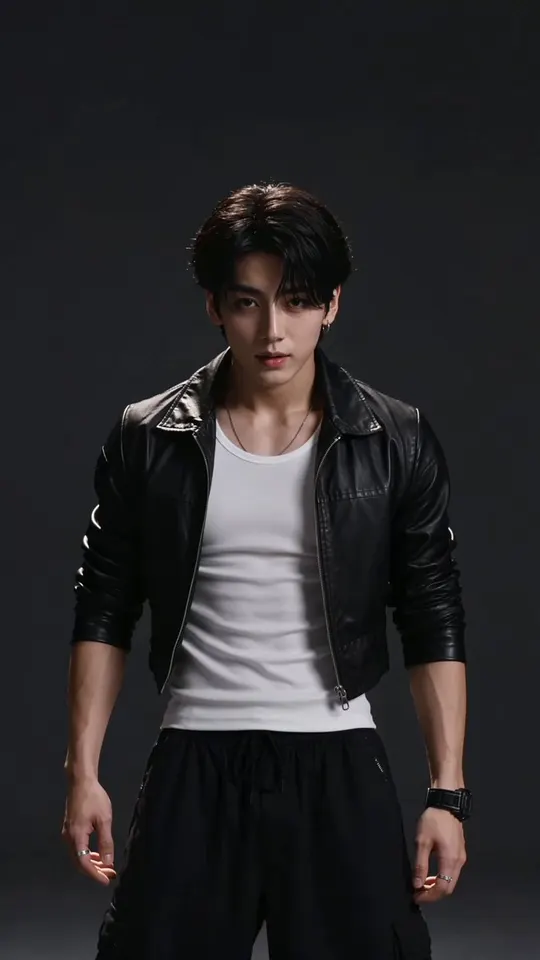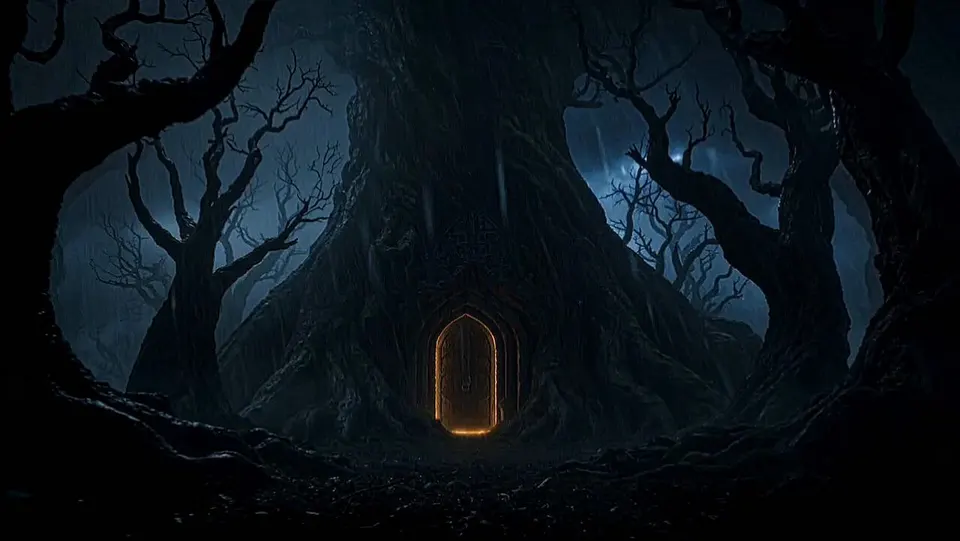
Genjutsu Effects Explained: Swap, Restyle and Motion
What every Genjutsu AI effect does, which model runs it, what you upload, how long the clip can be, what it costs per second and what happens to the sound.
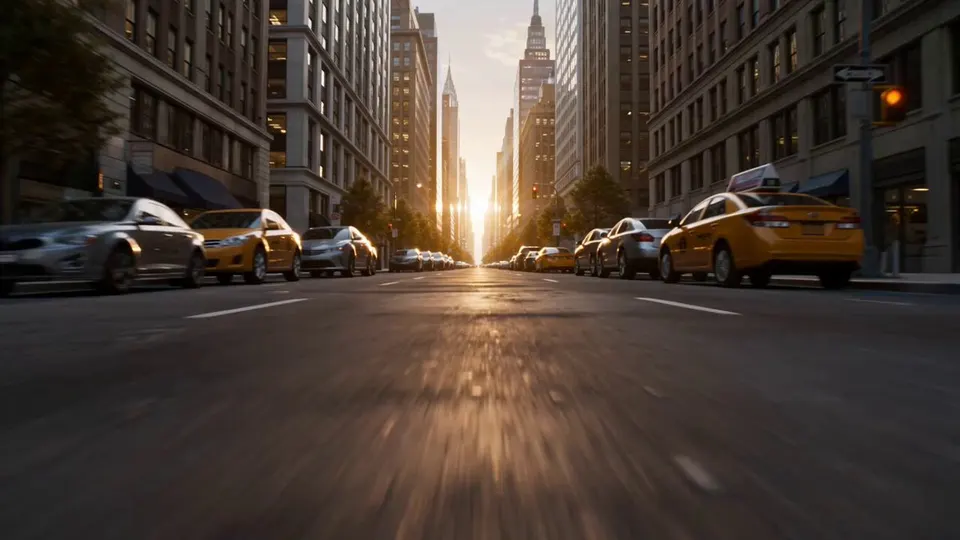
"Genjutsu" is a Japanese word, 幻術, that means "illusion art". On Genjutsu.live we use it for one idea: keep the motion of a clip and change the reality inside it. A dancer becomes a mascot, a street becomes a snowfield, a sunny afternoon becomes a rainy night, and the timing and camera stay exactly as you filmed them.
That one idea covers quite different jobs, and each job is done best by a different AI model. This guide explains every Genjutsu effect: what it does, which model runs it, what you upload, how long the clip can be, what it costs and what happens to the audio. Genjutsu is an independent studio and is not affiliated with Higgsfield or any other "genjutsu" product.
The three families of Genjutsu effects
Every effect belongs to one of three families, plus one photo effect for people without a clip.
- Motion effects copy the movement of a person in your clip onto a character from a photo.
- Swap effects keep the scene and the movement but replace one thing in it: a person or the location.
- Restyle effects redraw the whole clip in a new look, from anime to clay to the style of a picture you upload.
- Photo effects start from a still picture and animate it.
Motion effects
Motion Transfer
Your character performs the moves from your clip, with the same timing and camera.
- Model: Kling 3.0 Motion Control. Saver option: Kling 2.6 Motion Control.
- You upload: one clip (3–30 s, one person, torso visible) and one character photo.
- Price: 37 credits/s at 720p or 41 at 1080p. Saver: 25 or 28 credits/s.
- Audio: the source clip's sound is kept.
Our motion transfer tutorial walks through it step by step.
Photo Performer
The character in your photo comes to life in the photo's own scene and copies the clip's motion.
- Model: Wan 2.2 Animate Move.
- You upload: one clip (3–30 s) and one photo (up to 5 MB).
- Price: 17 credits/s, 720p. This is the cheapest way to animate a character with real movement.
- Audio: the source sound is kept.
Swap effects
Person Swap
The person in your clip is replaced by the character from your photo. The room, the light and the camera stay.
- Model: Wan 2.2 Animate Replace.
- You upload: one clip (3–30 s, up to 10 MB) and one character photo.
- Price: 9 credits/s at 480p, 13 at 580p, 17 at 720p.
- Audio: the source sound is kept.
The 10 MB cap is the one to watch: short clips at 720p fit it, long or high-bitrate clips may need a shorter cut.
Location Swap
The performer stays and the world around them changes: a neon city, a desert, a snowfield, a bare studio.
- Model: Seedance 2.5 Flash Edit. Saver option: Gemini Omni Flash 1.2.
- You upload: one clip and a short description of the new place.
- Length: 4–30 s on Seedance (clips must be 720p or smaller), up to 15 s on Gemini.
- Price: Seedance 31 credits/s at 480p or 69 at 720p. Gemini 13 credits/s at 720p.
- Audio: Seedance can generate a new soundtrack (you can turn it off); Gemini decides by itself.
Restyle effects
Anime Redraw
The whole clip is redrawn as clean cel-shaded anime, keeping every movement.
- Model: Kling 3.0 Omni Transformation.
- You upload: one clip of 3–15 s. Both sides must be at least 700 pixels, so 720p or larger.
- Price: 31 credits/s at 720p, 41 at 1080p, 101 at 4K.
- Audio: the output is silent. Add the original sound back in your editor.
The look is a generic anime style. We do not imitate any series or studio.
Clay & Toy
The clip becomes claymation, a plastic toy world or felt puppets.
- Model: Kling 3.0 Omni Transformation. Saver option: Gemini Omni Flash 1.2.
- Length: 3–15 s (Kling) or up to 15 s (Gemini).
- Price: 31 credits/s at 720p on Kling, 13 on Gemini.
- Audio: silent on Kling; Gemini decides.
Gemini outputs carry Google's invisible SynthID watermark.
Style From Image
Upload any picture, such as a painting, a sketch or your own artwork, and the clip is redrawn to match it.
- Model: Wan 2.7 Video Edit.
- You upload: one clip of 2–10 s and one style picture.
- Price: 22 credits/s at 720p, 33 at 1080p.
- Audio: you can keep the original sound with one switch.
Time & Weather
Day turns to night, or rain, snow or golden-hour light arrives, without touching the action.
- Model: Gemini Omni Flash 1.2.
- You upload: one clip of up to 15 s.
- Price: 13 credits/s at 720p, 14 at 1080p, 30 at 4K. It is the cheapest Genjutsu effect and a good first test.
Photo effect: Photo Morph
No clip? Photo Morph turns a single photo into motion, or morphs one photo into another.
- Model: Kling 4.0 with a first frame and an optional last frame.
- You upload: one or two photos.
- Length: you choose 3, 5, 10, 15, 20 or 30 seconds.
- Price: 39 credits/s at 720p, 57 at 1080p.
- Audio: Kling 4.0 generates sound for the clip.
All Genjutsu effects at a glance
| Effect | Model | Inputs | Clip length | Credits/s (720p) | Audio |
|---|---|---|---|---|---|
| Motion Transfer | Kling 3.0 Motion Control | clip + character | 3–30 s | 37 (Saver 25) | source kept |
| Photo Performer | Wan 2.2 Animate Move | clip + photo | 3–30 s | 17 | source kept |
| Person Swap | Wan 2.2 Animate Replace | clip + character | 3–30 s | 17 (480p 9) | source kept |
| Location Swap | Seedance 2.5 Flash Edit | clip + prompt | 4–30 s | 69 (Saver 13) | generated or off |
| Anime Redraw | Kling 3.0 Omni Transformation | clip | 3–15 s | 31 | silent |
| Clay & Toy | Kling 3.0 Omni Transformation | clip | 3–15 s | 31 (Saver 13) | silent |
| Style From Image | Wan 2.7 Video Edit | clip + picture | 2–10 s | 22 | keep original |
| Time & Weather | Gemini Omni Flash 1.2 | clip | up to 15 s | 13 | model decides |
| Photo Morph | Kling 4.0 | 1–2 photos | 3–30 s | 39 | generated |
Prices are per second of your clip, rounded up to whole seconds. The exact total is shown on the Generate button, failed renders are refunded, and credit packs never expire. See plans and credit packs.
How to pick the right effect
Ask one question: what should stay the same?
- The movement stays, the person changes → Motion Transfer or Photo Performer.
- The scene stays, the person changes → Person Swap.
- The person stays, the place changes → Location Swap.
- Everything stays except the look → Anime Redraw, Clay & Toy or Style From Image.
- Only the time of day or weather changes → Time & Weather.
If you are unsure, start with a 5-second test on the cheapest model for that job. Every upload is checked against each model's limits before you pay, so the studio will tell you if a clip is too long or too large.
Rules that apply to every effect
- You must confirm that you own, or have permission for, every person in your clip and photos. No public figures, no minors, nothing deceptive.
- Uploaded source clips are deleted after 7 days. Your results stay in your library.
- Results are AI-generated; label them that way when you post them.
Want ideas for what to type? Our list of 30 Genjutsu prompts has ready-made lines for every effect, and the Genjutsu effects gallery shows each card with its inputs. Or go straight to the studio.
Try it in the Genjutsu studio
Pick the effect from this tutorial, add your clip and see the credits before you render. New accounts start with free credits for a first still.